TopBuilder is a construction-specific CRM built for specialty contractors who manage bids, proposals, and customer relationships alongside financial data. It’s not another generic sales tool with a construction skin. The platform brings bid scoring, proposal generation, email marketing, and financial dashboards into one interface, connected directly to the ERP systems contractors already use. For a popular alternative, see our FollowUp CRM review and FollowUp vs TopBuilder comparison.
This review covers what TopBuilder actually does, where it excels, where it comes up short, and who should take it seriously. Pricing is request-only, so I relied on third-party data from G2 and Capterra, cross-referenced against the vendor’s public materials and existing user reviews.
Disclosure: Some links on this page are affiliate links. If you sign up through one, ContractorSoftwareHub may earn a commission at no extra cost to you. TopBuilder Solutions isn’t an affiliate partner. This evaluation’s based on research, third-party pricing data, review analysis, and vendor documentation.
Right for / Not for
Right for you if:
- You’re a specialty commercial contractor (electrical, mechanical, plumbing, fire protection) with 10 to 200 employees looking for a CRM that connects to your ERP
- Your sales team needs bid scoring that pulls real profitability data rather than gut-feel rankings
- Your CFO or owner wants real-time dashboards tying pipeline performance to financial data
- You already use Procore, Sage, Acumatica, or Viewpoint Spectrum and want your CRM to sync with them
- You want email marketing automation built into your CRM rather than bolted on from a separate tool
Not for you if:
- You’re a residential contractor with fewer than 5 employees - the per-user pricing and feature depth don’t make sense at that scale
- You need an all-in-one platform that does CRM, project management, and field service scheduling from one tool
- You rely on large pools of independent peer reviews to validate software purchases - TopBuilder has fewer than 20 combined reviews across major platforms
- You want published pricing you can evaluate without a sales call
Third-Party Rating: Capterra users rate TopBuilder 5.0 out of 5 based on 15 reviews. On G2, the score is 2.3 out of 5 from just 3 reviews - a striking gap that likely reflects the very small sample sizes on both platforms rather than a radical split in user experience. With only 18 combined reviews, the data’s too thin to draw strong conclusions. I’m using the broader set of Capterra feedback as the more representative signal here, but the G2 score is worth noting as a risk indicator.
Feature Deep Dive
Bid Management with ERP-Connected Scoring
TopBuilder’s bid management module is the most distinctive feature in the platform. Sales teams log every bid invitation, assign custom scoring criteria, and prioritize opportunities - but the scoring isn’t based on arbitrary fields. It pulls profitability data from integrated ERP systems. When a contractor scores a bid, the platform factors in historical margin data from Sage or Acumatica, showing which customer types, project sizes, and trade categories actually deliver the best returns.
The catch is that this only works if the ERP integration is properly configured. Users have reported that the Sage 100 Contractor integration didn’t work as advertised, which would cripple the bid scoring accuracy. If Sage is the accounting backbone, compare the integration expectations against our Sage 100 Contractor review before relying on this feature. A thorough implementation and testing phase is non-negotiable.
ContractorBI Financial Dashboards
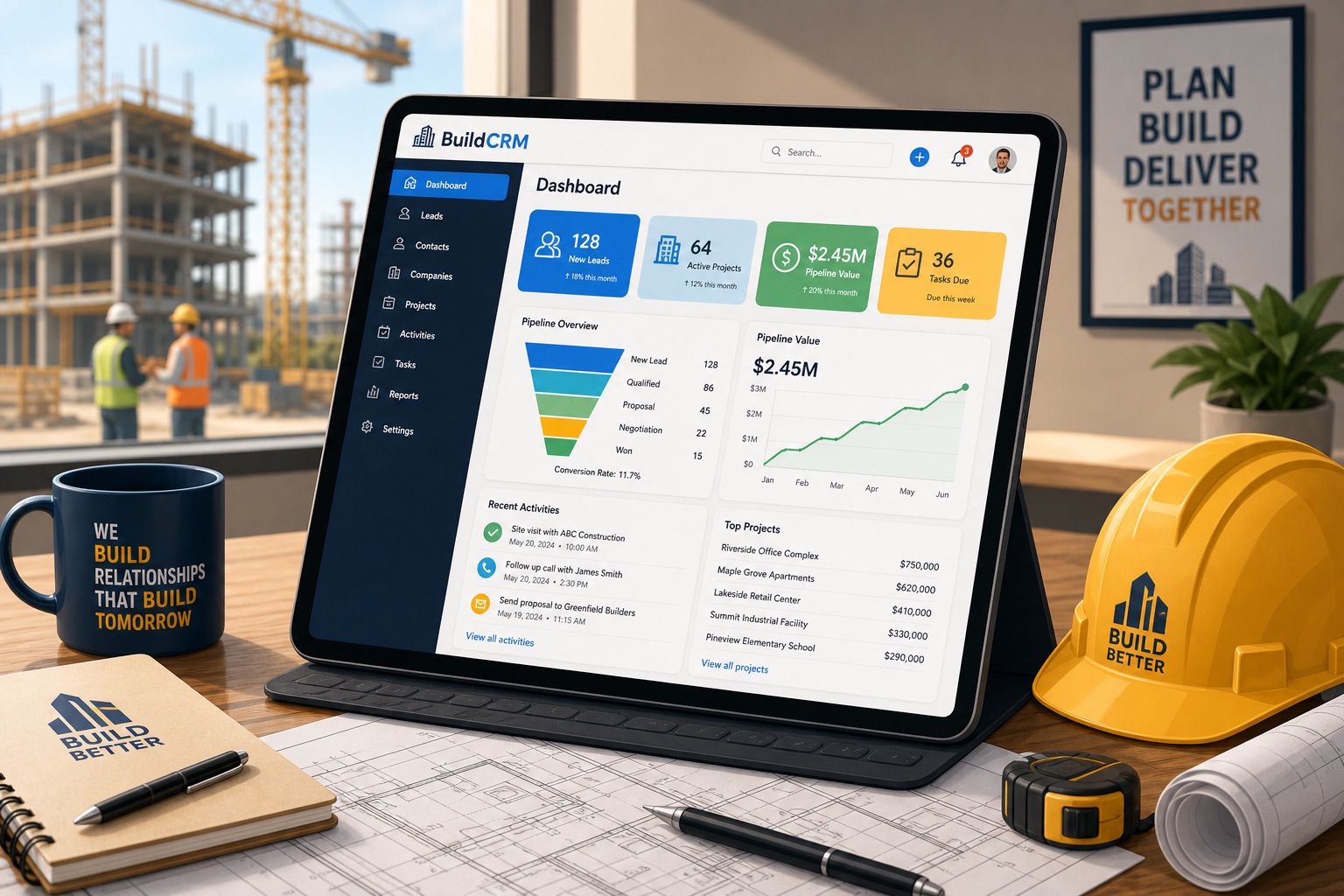
ContractorBI is TopBuilder’s business intelligence layer, and it’s what separates this CRM from general-purpose sales tools. The dashboards pull data from connected ERP systems and present win rates, monthly revenue projections, customer profitability, and pipeline health in real time. For a CFO or owner who wants to see how the sales pipeline translates to financial performance without exporting spreadsheets, this is genuinely useful.
The dashboards are pre-built for construction KPIs rather than requiring custom configuration. Users on Capterra report that the standard views are helpful, but customizing reports beyond the out-of-the-box options can be cumbersome. If you need very specific or non-standard financial reporting, expect to work with support or a reseller like ZenTek Consultants to get the dashboards configured correctly.
Proposal Generation and Email Marketing
TopBuilder includes native proposal generation with click-through templates and e-signatures. The Excel integration is a practical touch - completed bid sheets from Excel can be converted into formatted proposals. This reduces the friction of moving from estimating to proposal without re-entering data.
Email marketing is built into the CRM rather than requiring a separate tool integration. Behavior-triggered email sequences automate follow-ups based on prospect actions, and lead-capture forms funnel inbound contacts directly into the CRM. For specialty contractors who run targeted marketing campaigns to GCs and property managers, having this inside the same platform as bid tracking is a workflow advantage over competitors that require Mailchimp or Constant Contact integration.
What TopBuilder Gets Right
ERP-connected pipeline visibility
Most construction CRMs treat the sales pipeline as a standalone system. TopBuilder connects it to the financial data that actually matters. The bid scoring criteria can include historical margin performance, and ContractorBI shows real-time revenue forecasts based on pipeline data. For specialty contractors managing high-value commercial bids, this connection between what you’re selling and what it actually costs you is the feature that justifies the evaluation.
Integration breadth for a CRM at this price
TopBuilder connects to Procore, three Sage product lines (100, 300, Intacct), Acumatica, Viewpoint Spectrum, STACK, B2W, and BuildingConnected. That’s an unusually broad integration list for a CRM priced in the $35-90/user/month range. Competitors at similar price points typically connect to two or three of these at most. If your tech stack mixes Procore with Sage 300 or Acumatica, TopBuilder can bridge data that would otherwise require manual reconciliation. If Procore is already central to operations, read the Procore review as the project-management side of that stack.
No long-term contract lock-in
TopBuilder doesn’t have the cancellation notice requirements that some competitors impose. Several reviewers noted the absence of a 60-day cancellation window or mandatory exit meeting - a contrast with FollowUp CRM, which has received documented complaints over its cancellation terms. The freedom to leave without financial penalty reduces the risk of evaluating the platform.
Where TopBuilder Falls Short
Thin independent review base creates real uncertainty
TopBuilder has 15 reviews on Capterra and 3 on G2. Eighteen total reviews across two platforms isn’t enough to form a reliable picture of user satisfaction - especially when the two platforms show a 5.0 versus 2.3 gap. It’s possible the Capterra reviews are self-selected from satisfied customers (many vendors solicit reviews there), while G2’s review collection process surfaces a more mixed experience. Either way, the data’s too thin to know for certain. This isn’t a reason to disqualify the product, but it’s a reason to demand a thorough trial, reference calls, and support responsiveness checks before committing.
No public pricing page
TopBuilder doesn’t publish pricing on its website. The /pricing/ URL returns a 404. Every plan requires a demo call or contact form submission. Third-party sites (G2, Capterra, Software Advice) report $35-90/user/month across three tiers, but these are unverified estimates - TopBuilder itself hasn’t confirmed them. For buyers who want to budget before talking to sales, this adds friction. Software Advice also lists a $55/year figure that appears to be either stale or a per-year confusion, further muddying the picture.
Integration reliability varies by system
At least one reviewer on G2 reported that the Sage 100 Contractor integration didn’t function as advertised. Given that ERP integration is a core selling point of the platform, a non-functional integration with one of the most popular construction accounting tools is a significant concern. This may be a configuration issue rather than a platform limitation, but it underscores the need to test your specific integration during the trial period.
UI complexity and reporting limitations
Users describe the interface as intuitive after setup but note that the number of fields and screens can feel overwhelming, especially when tracking detailed project data. Customizing reports beyond the pre-built ContractorBI dashboards is cumbersome - what you see out of the box is largely what you get unless you work with a reseller.
Pricing Breakdown
| Tier | Reported Price | What It Includes |
|---|
| Essentials | ~$35/user/month | Unlimited users, TopBuilder CRM, email marketing |
| Professional | ~$50/user/month | Five branded email templates, advanced reporting |
| Enterprise | ~$90/user/month | Expanded permission controls, priority support, additional analytics |
Important caveat: These prices come from G2 and Capterra - not from TopBuilder. The company publishes no pricing on its website. The actual price you pay depends on your demo call, the number of users, and whether you negotiate an annual plan. Software Advice also lists a $55/year figure that appears to be a data error.
For a team of 15 users on the Professional tier, the estimated monthly cost would be around $750 - or roughly $9,000 per year if the reported pricing holds. An annual commitment may reduce that number. Verify with the vendor before budgeting.
TopBuilder doesn’t appear to charge per-user add-on fees for the core CRM and bid management modules, but add-on costs for advanced analytics, dedicated onboarding, or extra API integrations aren’t publicly disclosed.
What Users Actually Say
Capterra rates TopBuilder 5.0 out of 5 based on 15 reviews. G2 rates it 2.3 out of 5 from 3 reviews. The gap is unusually wide and likely reflects the small sample sizes on both platforms rather than a genuine split in experience.
Positive themes:
- “TopBuilder has made it incredibly easy to manage our customer relationships” - Keith A., Inspection and Service Sales, 51-200 employees
- ”Most bang for the buck and super easy to use as soon as it’s set up” - Jeff P., CFO, 51-200 employees
- ”The Spectrum integration and construction-oriented bid tracking have been key components to our success” - Jake V., Vice President, 11-50 employees
- ”Extremely easy to learn and use. When we switched, the live training was a huge help” - Ricci C., Admin, 11-50 employees
Critical themes:
- “Integration with Sage 100 Contractor didn’t work as advertised” - G2 reviewer name withheld
- ”When I needed help with an issue, I experienced prolonged downtime getting support” - G2 reviewer
TopBuilder vs. the Competition
| Feature | TopBuilder | FollowUp CRM | JobNimbus |
|---|
| Target customer | Specialty contractors, 10-200 employees | GCs and specialty contractors | Residential and light commercial contractors |
| Pricing model | ~$35-90/user/mo (request-only) | ~$75/user/mo (5-user minimum) | From $225/mo flat (per-user fees apply) |
| Bid scoring | ERP-connected profitability data | Bid calendar with pipeline tracking | Basic opportunity tracking |
| Financial dashboards | ContractorBI - real-time ERP dashboards | Standard pipeline reporting | Limited - focuses on project profitability |
| Capterra rating | 5.0/5 (15 reviews) | 4.4/5 (100+ reviews) | 4.2/5 (200+ reviews) |
| Integration breadth | Procore, Sage, Acumatica, Spectrum, B2W | Sage, QuickBooks, Procore | QuickBooks, Procore, Google Workspace |
| Best for | CFOs who want pipeline-to-financial visibility | Teams that need bid-calendar depth | Small to mid-size residential contractors |
Final Verdict
TopBuilder is a legitimate option for specialty commercial contractors who need a CRM that connects sales data to financial performance. The ContractorBI dashboards and ERP-connected bid scoring are features most competitors at this price point don’t offer, and the integration breadth is genuinely impressive for a tool in this range.
The limiting factor is the thin independent evidence base. Eighteen reviews across two platforms with a 5.0 versus 2.3 gap isn’t enough to feel confident about support quality, integration reliability, or long-term user satisfaction. That doesn’t mean TopBuilder is a bad product - the available user quotes are uniformly positive, and the company has published case studies from customers like Hatzel and Buehler who report concrete results. It means the evaluation burden falls on you. A thorough trial, reference calls, and testing your specific ERP integration are prerequisites - not optional steps.
If you’re a specialty contractor with 10 to 200 employees already using Procore, Sage, or Acumatica, and you want your CRM to pull real financial data rather than tracking deals in a vacuum, TopBuilder is worth a conversation. Go into the demo knowing exactly which integrations you need to test and what support response times are acceptable to your team.
Best for: Specialty commercial contractors (electrical, mechanical, plumbing, fire protection) with 10-200 employees who want CRM tied to ERP data with real-time financial dashboards.